Welcome to Hawatel's blog!
March 12, 2026 | General / Monitoring / Software
Grafana dashboards: ready-made templates and building custom views
Dashboards have become one of the fundamental tools for working with data. Regardless of the industry, they serve the same purpose: they organize information and enable a quick understanding of the current situation. In the Grafana ecosystem, the term Grafana dashboards refers to ready-made or custom-built data views that can be adapted to the specific needs of an organization.
Below is a structured explanation of what dashboards are, where to find them, and how to create them yourself.

Source: Grafana
What are Grafana dashboards?
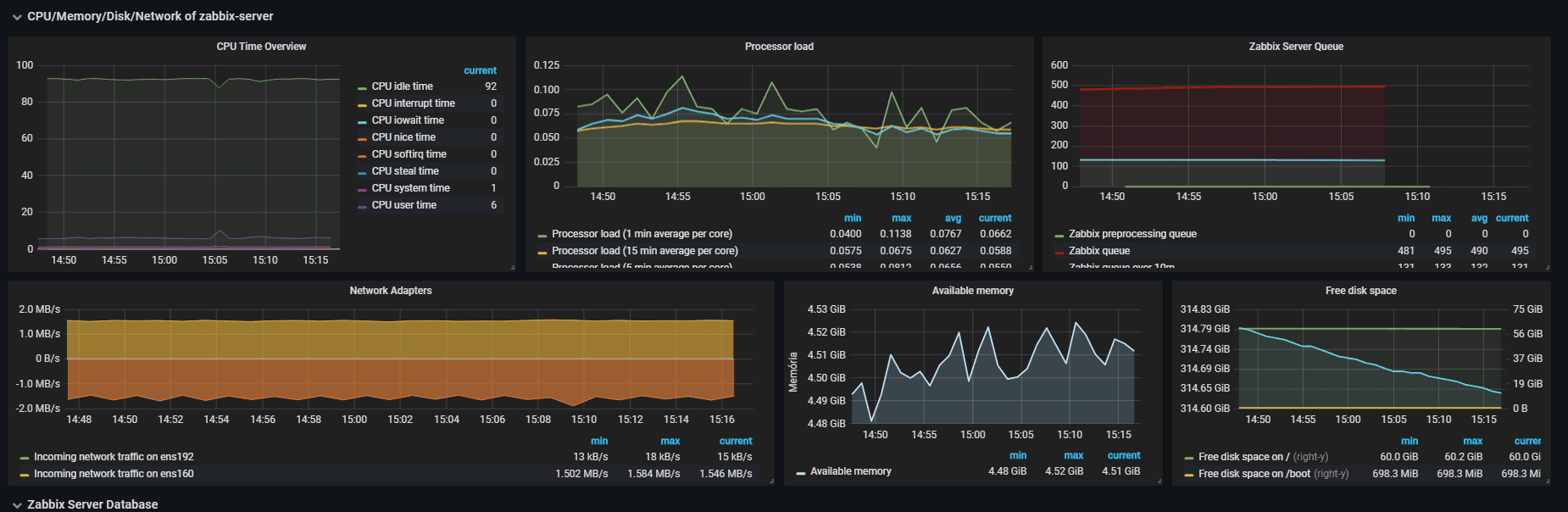
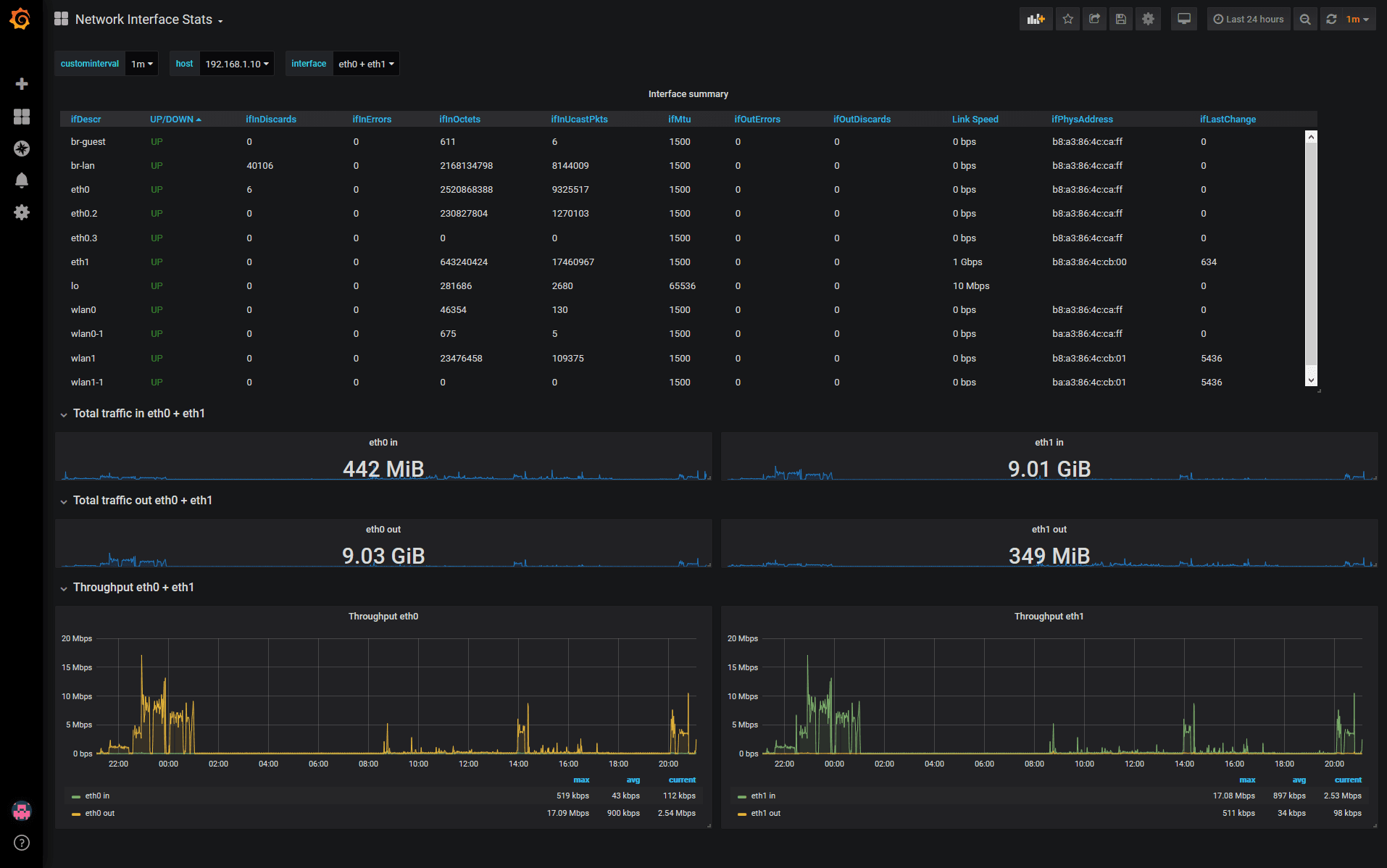
Grafana dashboards are collections of panels that visualize data from various sources. Each dashboard is designed around a specific goal, such as monitoring sales, costs, operational processes, or infrastructure.
A dashboard:
- presents data in real time or historically
- focuses on a selected set of metrics
- enables quick identification of trends and deviations
A well-designed dashboard does not try to answer all questions at once. Its purpose is to deliver clear information that supports decision-making, not to provide a complete analysis of the entire system.

Source: Grafana
Where can you find ready-made Grafana dashboards?
Grafana provides a public dashboard library containing hundreds of ready-made dashboards created by the community and the tool’s vendor. These dashboards cover a wide range of use cases, from technical infrastructure to business data.
Ready-made dashboards:
- can be browsed by category and technology
- have unique identifiers that make importing easier
- serve as a starting point for further customization
In practice, they are rarely used without modifications. Most often, they are treated as a base that is adapted to an organization’s own data, processes, and way of working.
Can you create Grafana dashboards yourself?
Yes. Creating custom dashboards is one of Grafana’s core features and, in many cases, is a more sensible approach than relying on ready-made templates.
Building dashboards from scratch allows them to be perfectly tailored to specific needs. However, there is a drawback: creating a dashboard from the ground up requires more time, skills, and careful design of what should be presented.

Source: Grafana
Ready-made dashboards or custom solutions?
Ready-made Grafana dashboards work well as a quick start or a source of inspiration. Custom dashboards better support day-to-day work because they are designed around specific questions and audiences.
In practice, a mixed approach is most commonly used:
- a ready-made dashboard as a starting point
- modification and simplification to match real needs
- gradual development of custom visualization standards
This approach helps maintain a balance between implementation speed and information quality.
Summary
Grafana dashboards are tools for working with data, not decorative elements. They can be downloaded from public libraries, modified, or built entirely from scratch. What matters most is not the number of charts, but the clear purpose of each dashboard.
A well-designed dashboard simplifies discussions, shortens analysis time, and allows teams to focus on decisions rather than interpreting scattered reports.