The infrastructure works, but not for the user
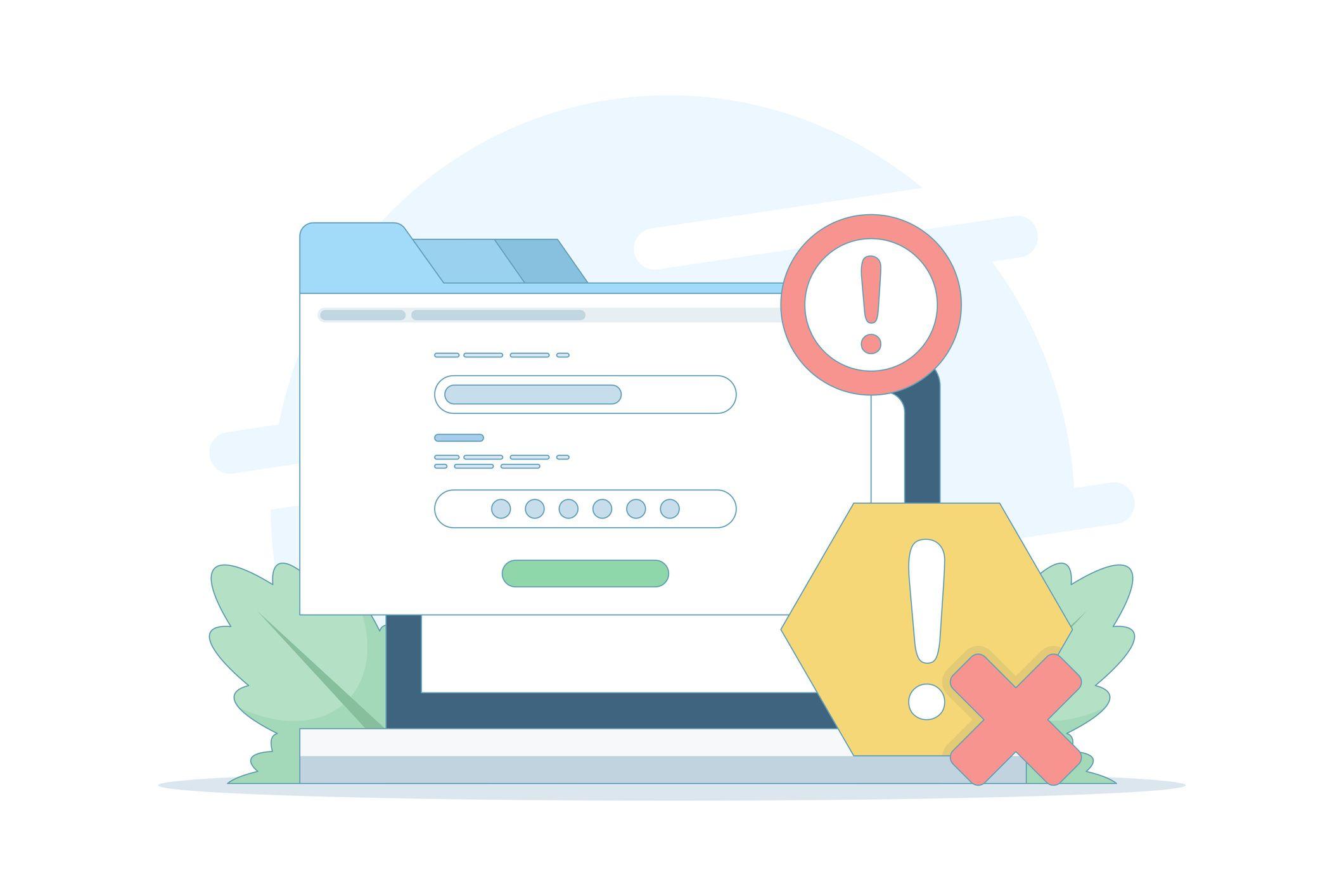
This is one of the most frustrating scenarios in production environments: metrics are green, alerts are silent, dashboards show no warnings, while users are unable to make a transfer, log into a customer portal, or place an order.
The incident described below is an anonymized compilation of situations from real enterprise environments. However, its mechanism is typical and repeatable.

Anatomy of an invisible incident
Environment: a web application in the financial sector. Infrastructure: 1,200 hosts, Zabbix monitoring, Grafana as the visualization layer. Situation: at 09:00 a change was deployed to the authentication module. The change passed without alerts — application servers are running, databases as well, and the load balancer is processing requests.
At 09:14 the first customer report arrives. At 09:22 three more. At 09:31 escalation to a manager. Total time of invisible degradation: 31 minutes. Time to fix after reporting: an additional 47 minutes.
What went wrong? The intermediate layer between infrastructure and user. The login form was returning HTTP 200 — but with an error message inside the response. Zabbix checked endpoint availability. It did not check whether login actually works.
Key lesson: HTTP 200 does not mean “it works.” It means “the server responded.” This is a fundamental difference that costs tens of thousands of zlotys for every hour of downtime in mission-critical environments.
What is synthetic monitoring?
Synthetic monitoring is the simulation of user behavior in a controlled and repeatable way, before a real user encounters a problem. Unlike traditional infrastructure monitoring, which measures resources (CPU, memory, port availability), synthetic monitoring answers the question: does my application work correctly from the user’s perspective?
Three pillars of synthetic monitoring:
- Simulated transactions — scripts replicating real user flows: login, search, add to cart, checkout, form submission. Each step is verified — not only availability, but correctness of the response.
- HTTP/HTTPS checkers — periodic verification of endpoints with validation of response code, response time, and content. The simplest approach, but already capable of detecting certificate issues, redirects, timeouts, and outages.
- User journey tests (web scenarios) — multi-step scenarios testing complete business flows: from opening the page, through filling out a form, to confirming an operation.
Synthetic monitoring operates independently of production traffic — it runs every minute, every 5 minutes, every hour. It does not wait for a user; it checks on its own whether the path is clear.

How does synthetic monitoring differ from RUM?
Real User Monitoring (RUM) collects data from real users. It is invaluable, but by nature reactive — data can only be collected once something has already happened.
Synthetic monitoring is proactive: it detects degradation in the middle of the night, at zero traffic, before anyone encounters the problem.
Ideally — both approaches work together and complement each other.
What can be tested synthetically — enterprise scenarios
Synthetic monitoring is not reserved for e-commerce. In enterprise environments, it covers critical business flows whose failure directly impacts SLA and customer service.
Login and authentication
- Verification of the login form — does it return a correct response, not just HTTP 200
- Testing SSO/SAML/OAuth — whether redirect and callback work correctly
- Authentication time checks — degradation >3s often indicates issues with LDAP or session databases
Forms and business operations
- Form submission with response validation — whether data is accepted and confirmed
- Multi-step processes (e.g., loan application, account registration) — testing each step
- Critical operations: transfer, order, reservation — with verification of final status
APIs and integrations
- REST/SOAP endpoints — validation of response code, content, and response time
- Integrations with external systems (payment systems, registries) — synthetic probe through full path
- Microservice health checks — especially important in Kubernetes architectures
Critical paths across industries
- Banks: online banking login, transfer initiation, balance check
- Telecom: customer portal, invoice check, service change, complaint submission
- Retail enterprise: product search, add to cart, checkout
- Utilities: portal login, meter reading, application submission
Rule: if the failure of a given flow triggers escalation to management or violates SLA — that flow should be covered by synthetic tests.
Synthetic monitoring in Zabbix — what version 7.0 offers

Zabbix 7.0 LTS (June 2024) is a breakthrough in synthetic monitoring. It introduces two complementary mechanisms — classic Web Scenarios and a new Browser item type — which together cover a much broader range of scenarios than previous versions.
HTTP/HTTPS Web Scenarios — a proven baseline layer
Web Scenarios remain in 7.0 and are suitable for monitoring simple HTTP flows:
- Verification of HTTP code and required string in the response
- Session, cookies, and headers handling — e.g. login via POST
- Response time measurement for each step with alert thresholds
- SSL certificate tracking and expiration date monitoring
Zabbix 7.0 extends synthetic monitoring with simulation of real user interactions using a real browser, testing availability, performance, and transaction status, as well as support for Selenium WebDriver for synthetic network monitoring.
Browser Item — a new browser-enabled element
This is the most important new feature in 7.0 in the area of synthetic monitoring. The Browser Item collects data by executing custom JavaScript code and retrieving data via HTTP/HTTPS — and can simulate actions such as clicking buttons, entering text, navigating pages, and other user interactions with websites and web applications.
What this means in practice:
- Full JavaScript support — Browser Item runs a real browser (Chrome via Selenium WebDriver), so SPA applications (React, Angular, Vue) are monitored exactly as users see them
- Screenshots at the moment of failure — Browser Item is the only method in Zabbix that can capture visual screenshots, which is invaluable for troubleshooting
- Multi-step JavaScript scripts — login, form filling, navigation through protected pages — all described in JS code with full DOM access
- Ready “Website by Browser” template — includes navigation and page resource statistics, current website screenshot, triggers for slow load times and unavailability, and a results dashboard
What Zabbix 8.0 (expected Q2 2026) brings?
It is worth adding a forward-looking note — especially for readers planning architecture for the next 2–3 years:
- Zabbix 8.0 LTS aims to consolidate metrics, logs, and traces into a single platform — with full OpenTelemetry integration, an advanced event processing engine (Complex Event Processing), a new storage engine optimized for large-scale streaming data and logs, and real-time log analysis correlated with telemetry. This means that some features that today require the Elastic Stack as a separate layer will be available natively in Zabbix.
- Zabbix 8.0 will collect, process, and correlate metrics, logs, and traces in one place. For the observability architecture described in the article, this is important information: over the next 12–18 months, the boundary between “Zabbix as infrastructure monitoring” and “Zabbix as an observability platform” will blur.
Full observability architecture: one view, no assumptions

Synthetic monitoring is not a separate island — it is one element of a coherent observability architecture. In enterprise environments, real operational visibility requires correlation of data from four layers simultaneously.
Layer 1: Synthetic monitoring — what the user sees
Zabbix Web Scenarios + Elastic Synthetic Monitoring. Continuous user journey tests, every 1–5 minutes, from multiple locations, with full functional validation. First detection layer: signals that something is not working from the end-user perspective before any tickets appear.
Layer 2: Elastic APM — what happens after the click
When synthetic monitoring detects degradation, Elastic APM shows what and why: distributed tracing from request through microservices to the database, execution time of each transaction, which SQL query slows down the application, which upstream service is not responding within normal limits. APM provides context for fast RCA (Root Cause Analysis).
Layer 3: Zabbix — infrastructure
Host, network, database, virtualization, and Kubernetes metrics. Zabbix sees everything happening beneath the application layer: CPU saturation, I/O wait, disk issues, network throughput. When APM shows slow database queries, Zabbix immediately confirms whether the problem lies in resources or application logic itself.
Layer 4: Grafana — one view, data correlation
Grafana as a central visualization and alerting layer. Datasources: Zabbix, Elasticsearch (APM + logs), Prometheus, databases. One dashboard simultaneously shows synthetic test results, APM metrics, and infrastructure data with full time correlation.
Practical scenario: synthetic alert about login form degradation at 09:14 → Grafana dashboard correlates it with a response time spike in APM → APM trace shows an 8-second session database query → Zabbix confirms I/O wait on the database server → the team has a full RCA picture in 3 minutes, not 3 hours.
Observability architecture — layers and responsibilities
| Layer | Tool | What it measures | Operational value |
|---|---|---|---|
| Synthetic | Zabbix Web Scenarios + Elastic Synthetic | User journeys, functional availability | Proactive degradation detection |
| APM | Elastic APM | Distributed traces, transaction time, dependencies | Fast RCA, application context |
| Infrastructure | Zabbix | Hosts, network, databases, Kubernetes, resource metrics | System-level visibility |
| Visualization | Grafana | Correlation of all layers, alerts, SLA dashboards | Single view, operational decision |
Summary
Synthetic monitoring is not a gadget. It is a fundamental safeguard for every critical application, as important as backups and business continuity planning. The difference between “infrastructure is working” and “the user is working” costs reputation, SLA, and real money.
Zabbix provides solid tools for basic synthetic monitoring — without additional licenses, fully integrated into the existing ecosystem. For complex applications, SPAs, multi-location monitoring, and deep user behavior analysis — complementing it with Elastic APM and Elastic Synthetic Monitoring provides a complete picture.
Grafana as a correlation layer closes what previously required switching between four different dashboards. One view, one context, one decision.
Result: from 31 minutes of invisible degradation and 47 minutes of repair to an alert within 90 seconds and RCA in 3 minutes. This is the difference between reactive monitoring and true observability.